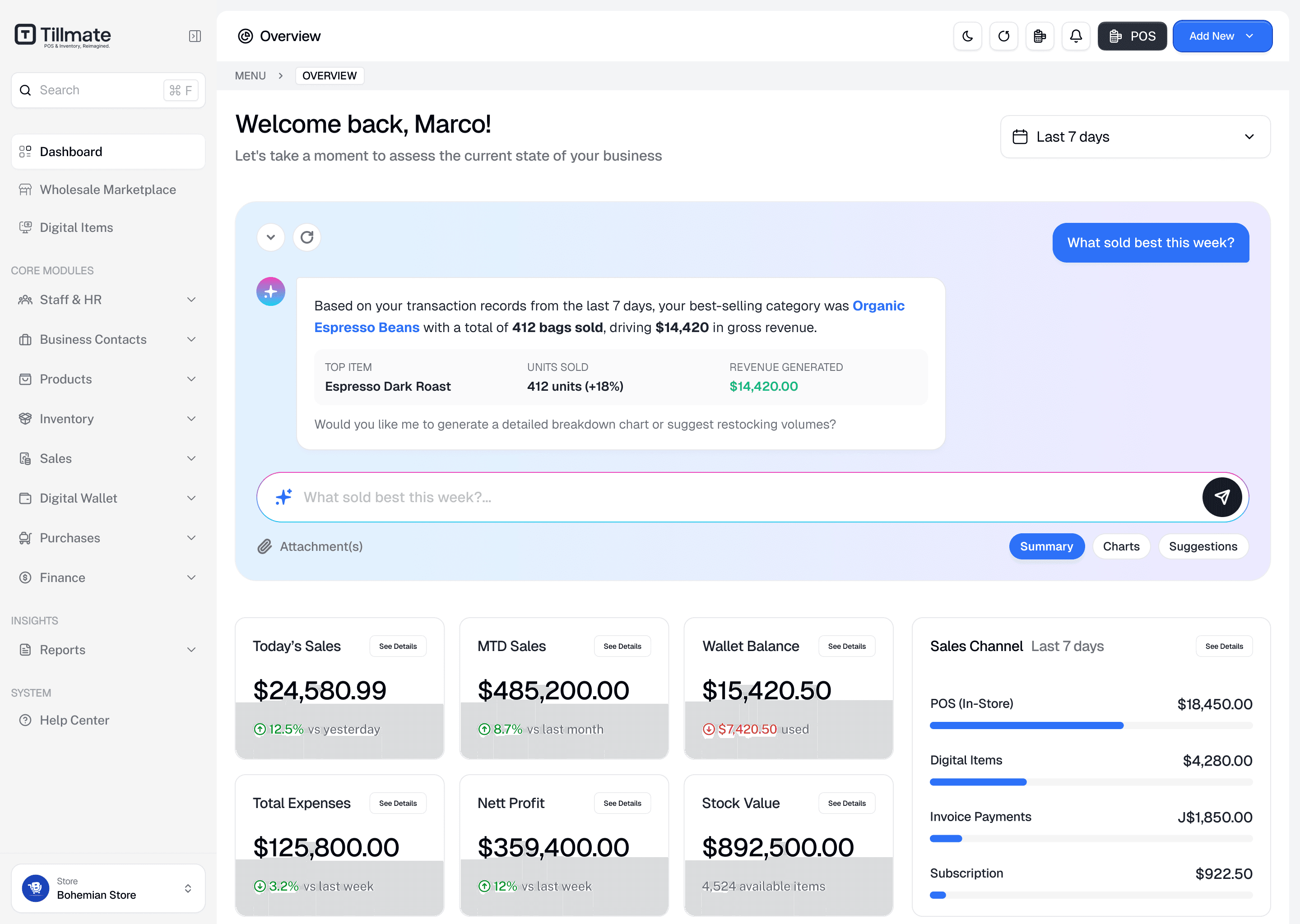


Restaurant & Food Service
Manage menus, recipes, ingredients and food costs.
Sell products, manage stock and keep your team organised in one place. Start with Retail and let Tilly help turn your stock list into a catalogue you can use.
No card required · Free for 7 days
Works with the tools you already run






Whether you run a fast-paced kitchen, a multi-location retail boutique, or an appointment-based salon, Tillmate adapts to your daily flow.
Manage menus, recipes, ingredients and food costs.
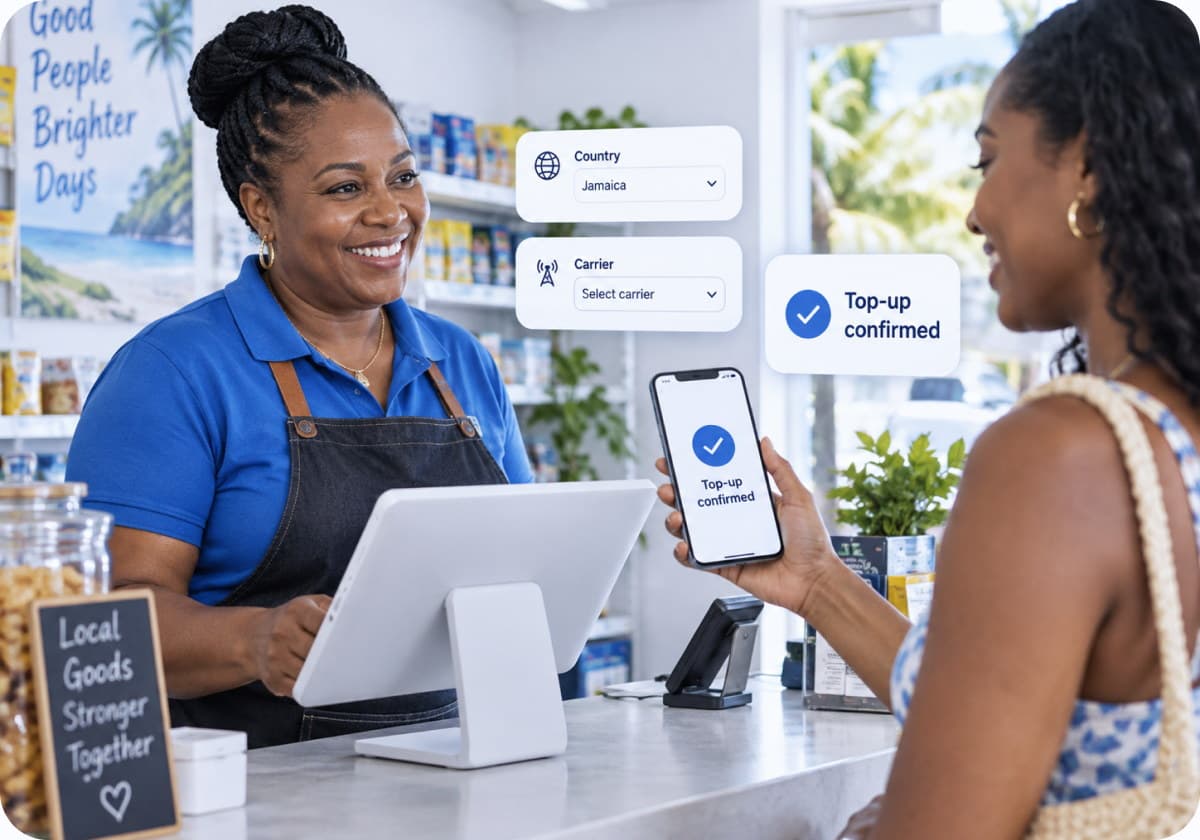
Track inventory and sell faster with Smart POS.
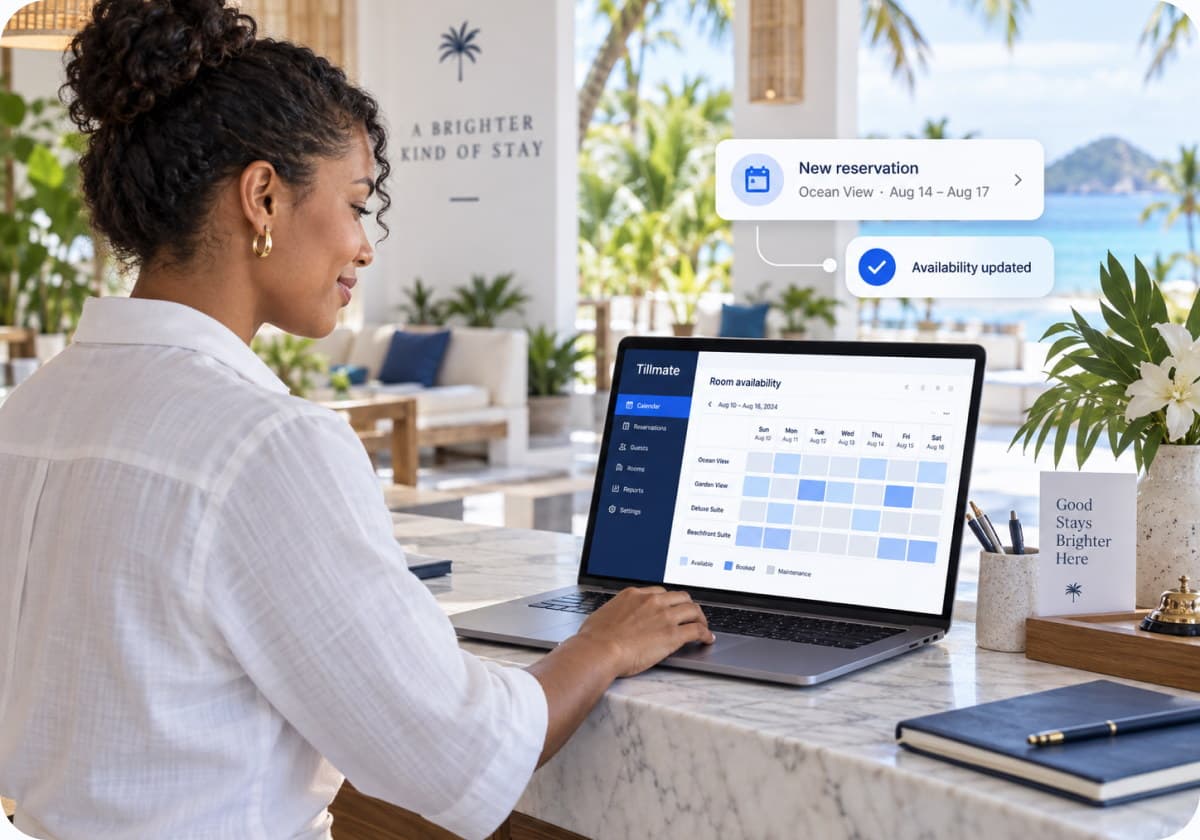
Manage bookings, staff and payments in one place.
Sync all your bookings inside one system.
Run your clinic and health practice safely inside Tillmate.
Run your manufacturing operations inside Tillmate.
Your AI assistant inside Tillmate. Turn the lists you already have into products you can review, fix and add to your catalogue.

TILLY AI
Upload a spreadsheet, supplier invoice or clear product-list photo. Tilly prepares the product details, and you check them before importing.

Tell Tilly what you want to do with your file. A clear request helps it understand the task.

Start with a spreadsheet, a PDF price list or a clear photo. You do not have to retype every product by hand.

Already have products in Tillmate? Review matching products and update their details without starting your catalogue again.
Tilly prepares the work. You review the result and decide what gets imported.
Connect your sales, bookings, payments and everyday tools in Tillmate.
Websites & Online Sales
Let customers shop, order or book on your branded website.
Manage products, prices and availability in Tillmate, with orders and bookings in one place.
Products, stock and online checkout.
Menus, pickup and delivery orders.
Direct bookings, rates and availability.
Your logo, colours and business details.
One setup. More ways to sell.
Choose a plan based on locations and full-access users. Any Tillmate business module can be used at any location.
7-day free trial. No card required.
For small businesses getting started.
per month
 1 location · 3 licensed users unlimited employee profilesSmart POS for retail, restaurant & services sales, orders, unlimited invoices & quotationsInventory, catalogue & customers products, menu, or services in one placeCustomer Site for online orders & bookings, plus payments and top-ups where availableReports, timesheets & audit trail with AI credits and email support
For growing businesses that need more automation and control.
per month
 Everything in BasicUp to 3 locations · 10 licensed users with advanced roles & permissionsKitchen & floor operations table management, KDS, advanced bookings & schedulingAdvanced inventory & costing purchase receiving, supplier management, recipe costingConnect your stack accounting, calendar and reviews integrations, plus delivery/pickup settingsAdvanced & scheduled reporting full staff activity feed, more AI credits, priority support
For larger and multi-location businesses.
per month
Everything in PlusUp to 10 locations · 25 licensed users with advanced location permissionsMulti-location management centralized reporting and location comparisonIndustry workflows hotel, healthcare and manufacturingAdvanced purchasing & transfers across locationsAPI & webhook access where available, higher AI allowance, priority support with faster response timesFor larger organizations, groups and partners.
Everything in ProCustom locations & licensed user limits with volume pricingCustom workflows, integrations & reporting built around how you operateWhite-label & custom branding including partner and financial-institution deploymentsDedicated onboarding & data migration assistanceSSO, SLA options & a dedicated account contactFull users are owners, managers or administrators with their own login and back-office access.
Staff profiles and PINs are unlimited and do not count as full users. These can be used by cashiers, servers, kitchen staff and other employees.
Locations can use different Tillmate modules under the same account. For example, one restaurant and one supermarket would count as two locations.
"Tillmate keeps our products and sales organised."
Michelle
Chocolate Dreams
"Tillmate helps us stay on top of what’s selling."
Karm
AppleKings
"Tillmate makes everyday business easier to manage."
Omar
FennTech
"Tillmate keeps our products and sales organised."
Michelle
Chocolate Dreams
"Tillmate helps us stay on top of what’s selling."
Karm
AppleKings
"Tillmate makes everyday business easier to manage."
Omar
FennTech
Record your sales, review your business and make better-informed decisions.Keep useful sales and stock records as you work. Use them to understand your business and prepare for conversations with your accountant or financial partners.
Step 1
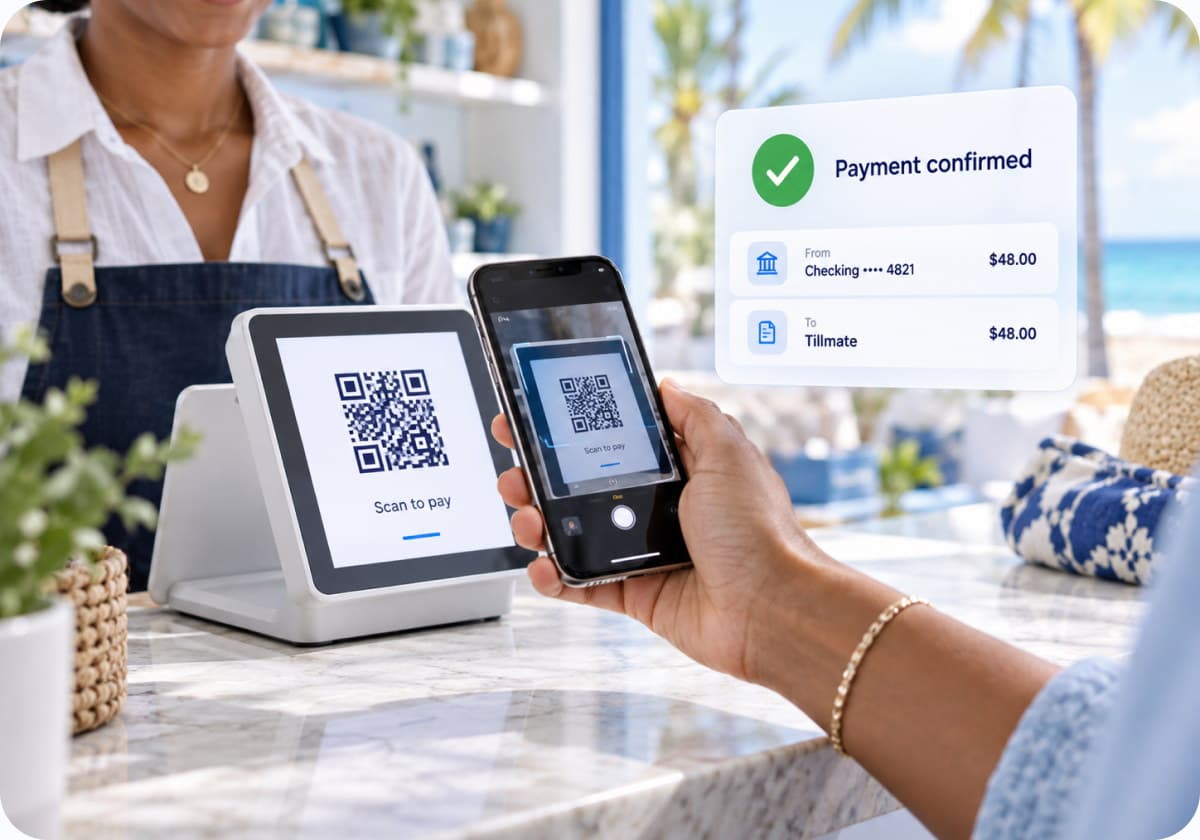
Choose the products, check the total and record how the customer paid.
Step 2
Use the sales and stock information in your workspace instead of piecing together separate lists.
Step 3
Check your reports regularly to understand sales, spot changes and decide what needs attention.
Step 4
Use your business records when speaking with your accountant or a lender. Funding decisions remain with the lender.
Yes. You can try Tillmate free for 7 days, with no card required. After the trial, choose a paid plan that fits your locations and full-access users. See the pricing section above for current plans.
Recording a payment in Tillmate and receiving funds from a payment provider are separate steps. Payment options, approval requirements, fees and settlement times depend on the provider connected to your business. Confirm those details before accepting payments.
Tilly and connected services need an internet connection. If offline checkout is essential for your business, ask our team to confirm support for your device and the Tillmate app you plan to use before switching.
You do not need to change accountants to use Tillmate. Check the integrations available in your workspace and confirm that your accounting software and required workflow are supported. Our team can help you check compatibility before you connect.
You may be able to use equipment you already own. Before buying a tablet, receipt printer, scanner or payment terminal, check compatibility with the Tillmate app and payment provider you will use. Book a demo if you want help choosing a setup.
Yes. Use staff roles and permissions to control access to business functions. Give each person the access they need for their job. Full-access users count towards your plan limit; employee profiles and staff PINs do not.
Start with the English articles and setup video in the Learning Hub. You can also book a demo from this page for help choosing a plan or planning your setup. Support options depend on your plan.
Yes. Export your product list from your current system, then use Tilly to prepare it for import. You can also start with a supplier list. Check product names, prices, quantities and any products marked for update before approving the import.
Tilly is the AI assistant inside Tillmate. It can help turn spreadsheets, PDF lists and clear photos into product details for review. You can check and correct the results before approving an import. Access depends on your permissions and available AI allowance.
Retail is live. Restaurant, Services, Healthcare, Manufacturing and Hotels are coming soon. Their previews show the workflows we are building. Book a demo to discuss your business and the module you need.
Start free today, or walk through your own numbers with a specialist who knows your industry.
7 days free · No card required · Cancel any time